RentEra Tenant · iOS & Android

Your whole rental life, in your pocket.

Find a home, apply, sign your lease, and manage life as a resident — all in one app. From browsing listings to paying rent and reporting maintenance, RentEra Tenant covers the full journey.

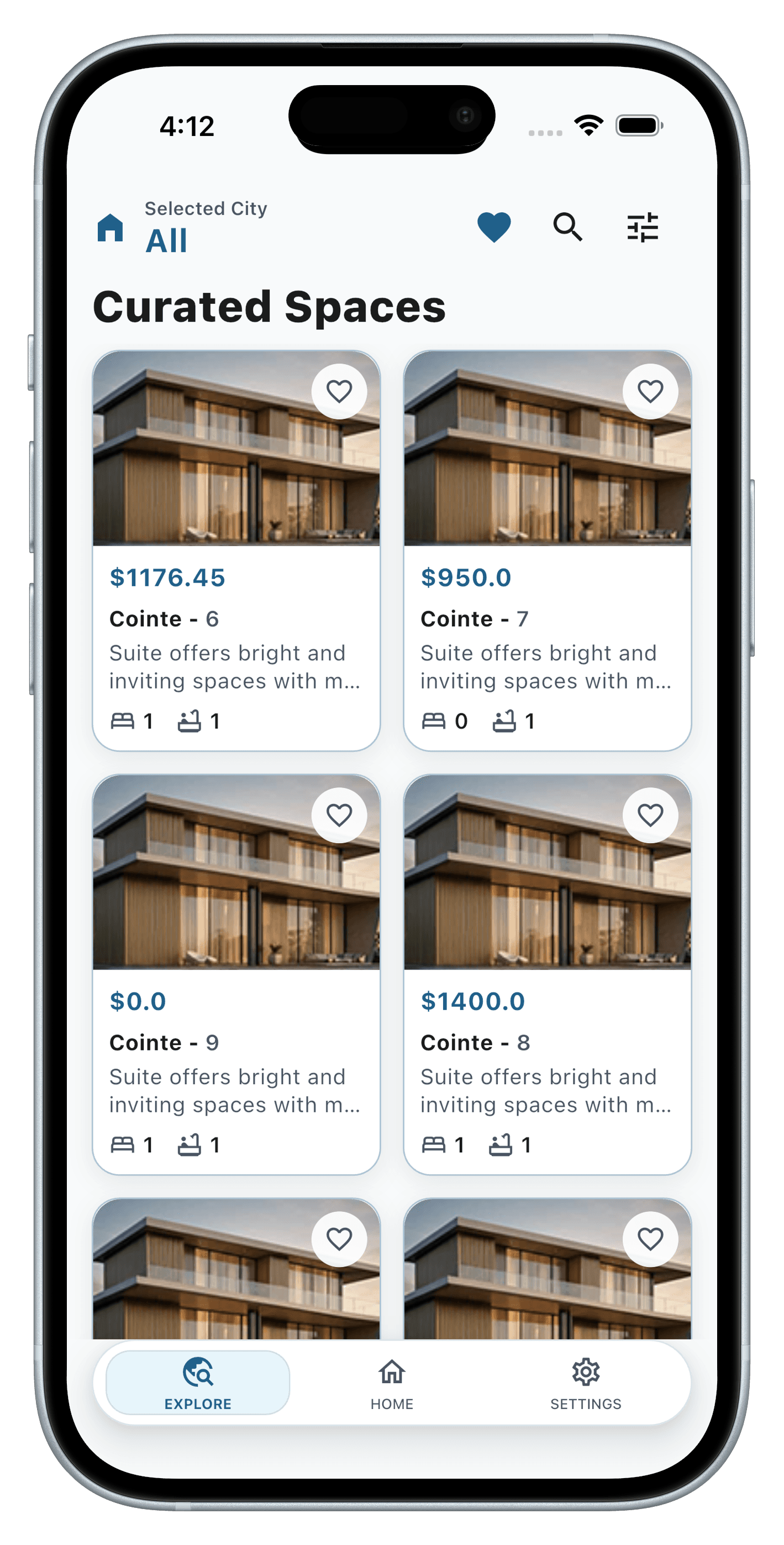
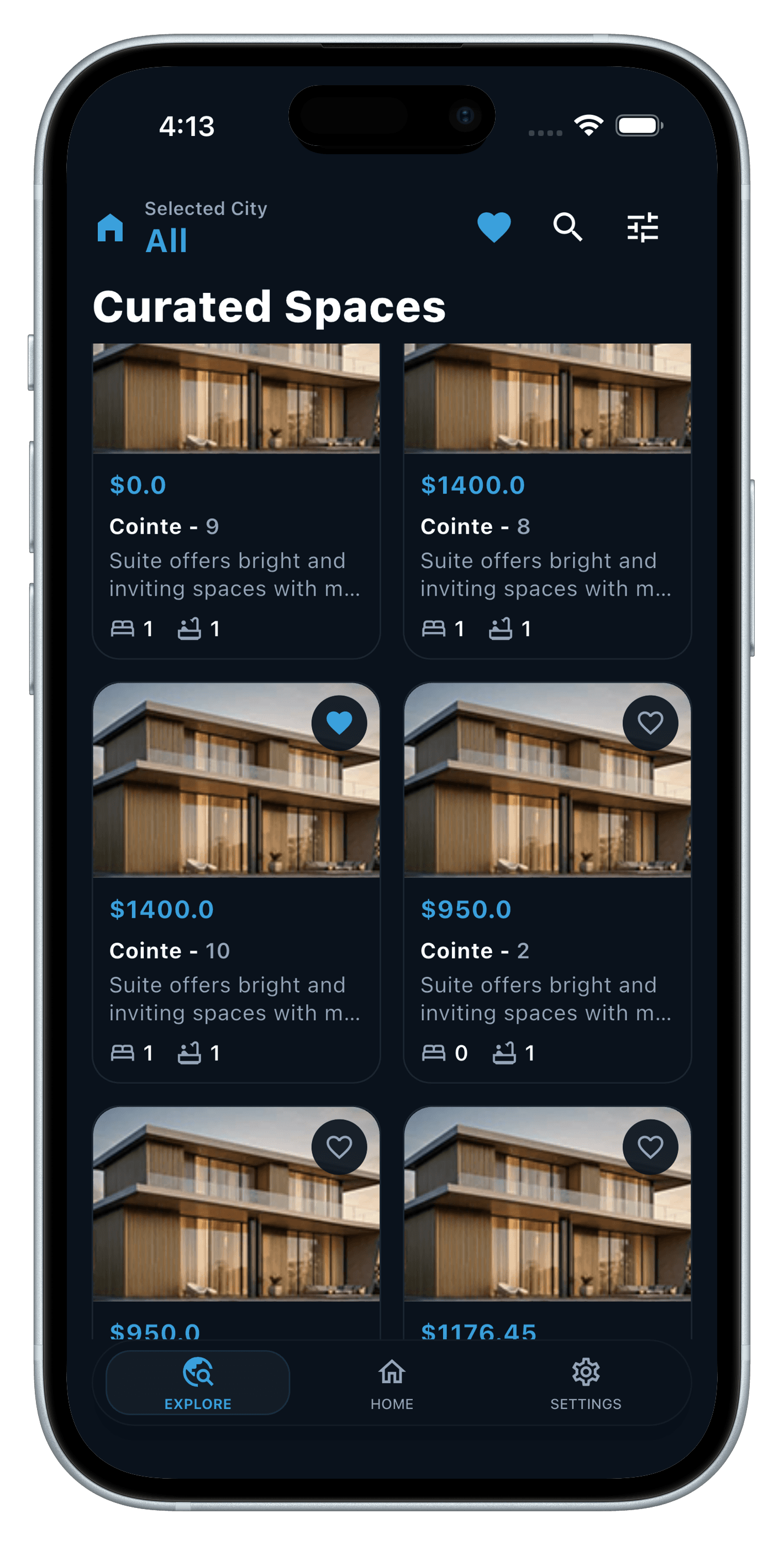
Curated Spaces listing feed in the RentEra Tenant app
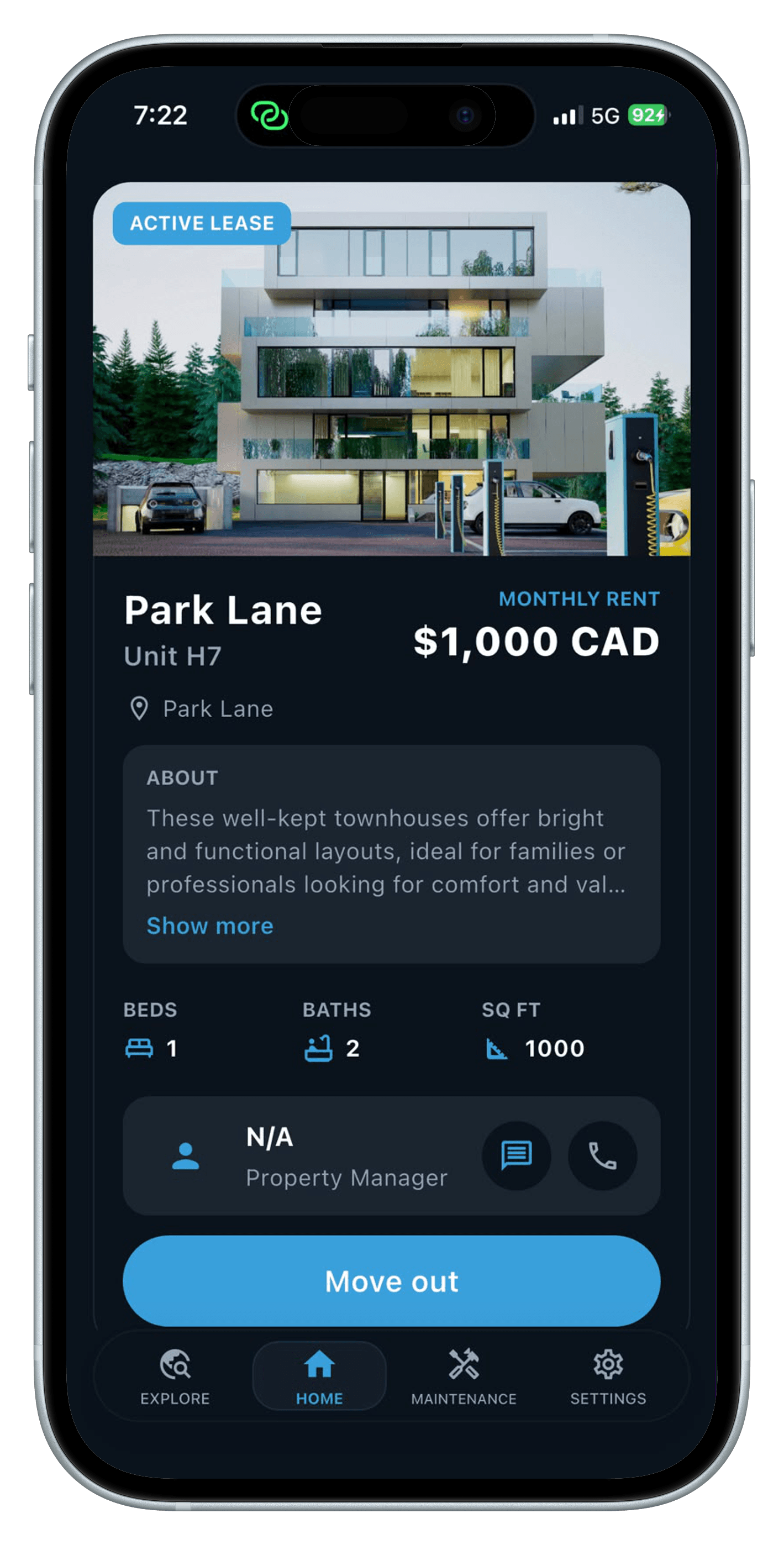
Property detail screen for Park Lane in the RentEra Tenant app

Discover & apply

Find a place that feels like you

Browse available units with city, bedroom, bathroom and rent filters. Save favorites, open full property details, and submit a guided rental application when you're ready.

  • Browse & save

    Filter listings by city, beds and baths, then favorite the ones that catch your eye.

  • Multi-step applications

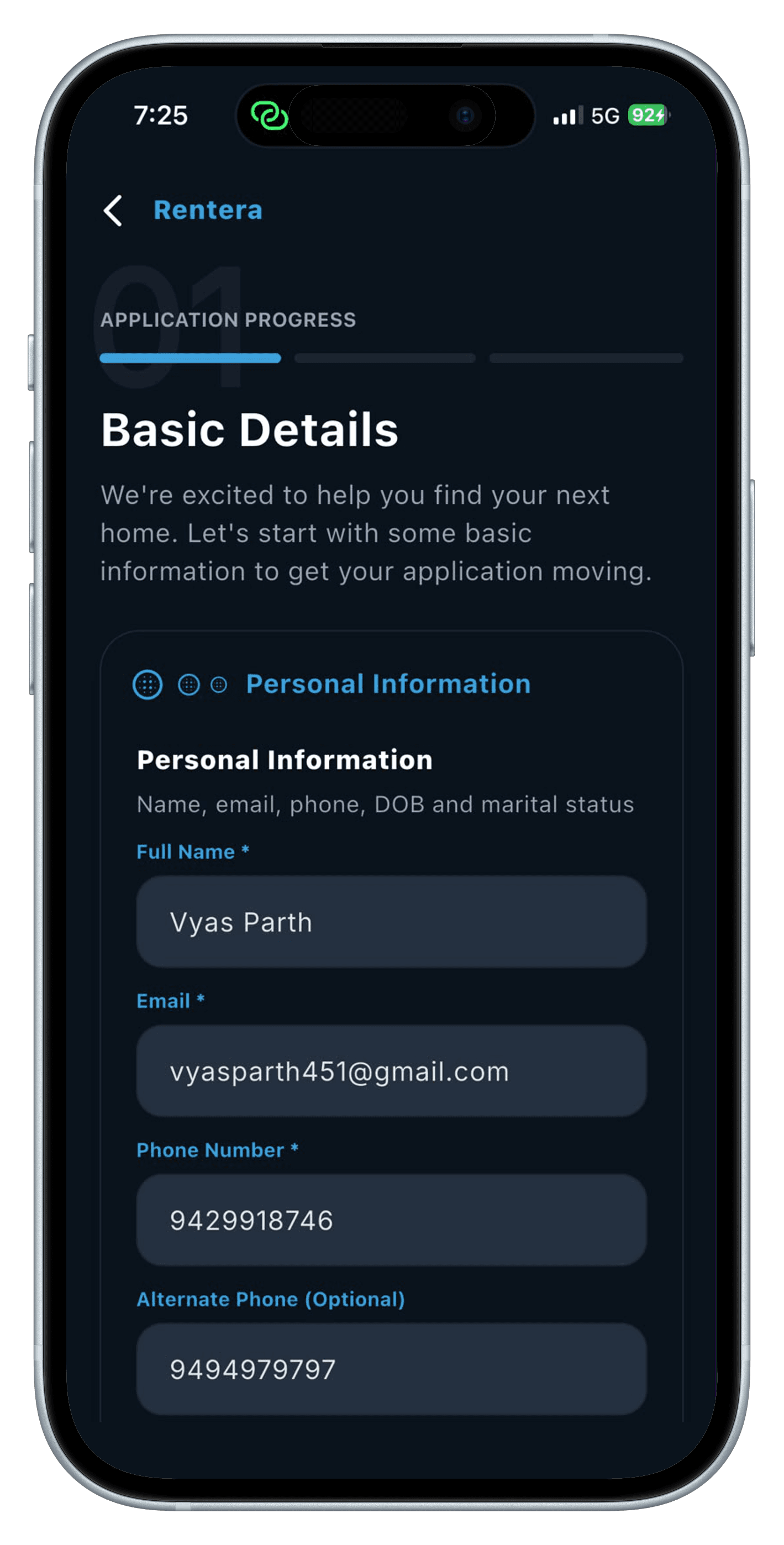
    Add co-applicants, employment and financial disclosures, and upload ID, income and reference documents.

  • Save drafts, track status

    Pick up where you left off, and follow your application from Draft through Approved.

Curated Spaces feed, light theme
Basic Details step of a rental application

Lease & home

From approval to move-in, without the paperwork chase

Follow your lease from approval through e-signature and move-in date selection. Once you're settled, your home — and its details — live right on your dashboard.

  • E-sign your lease

    Sign electronically, with support for co-applicant signing along the way.

  • Your residence, at a glance

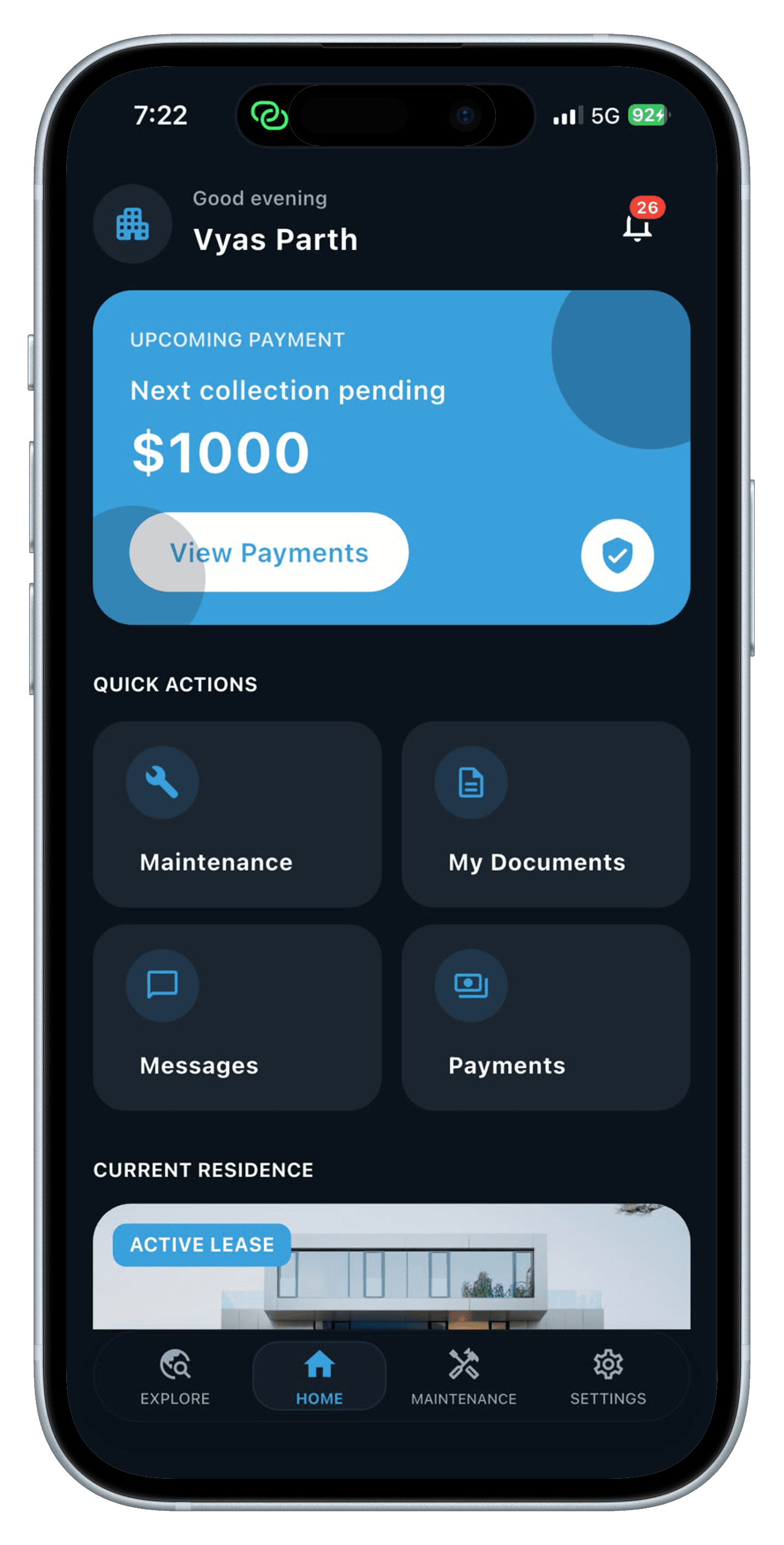
    Lease facts, rent, and your property manager's contact — all on your home screen.

  • Move out, on your terms

    Schedule a move-out date and see a countdown once it's planned.

RentEra Tenant home dashboard with upcoming payment
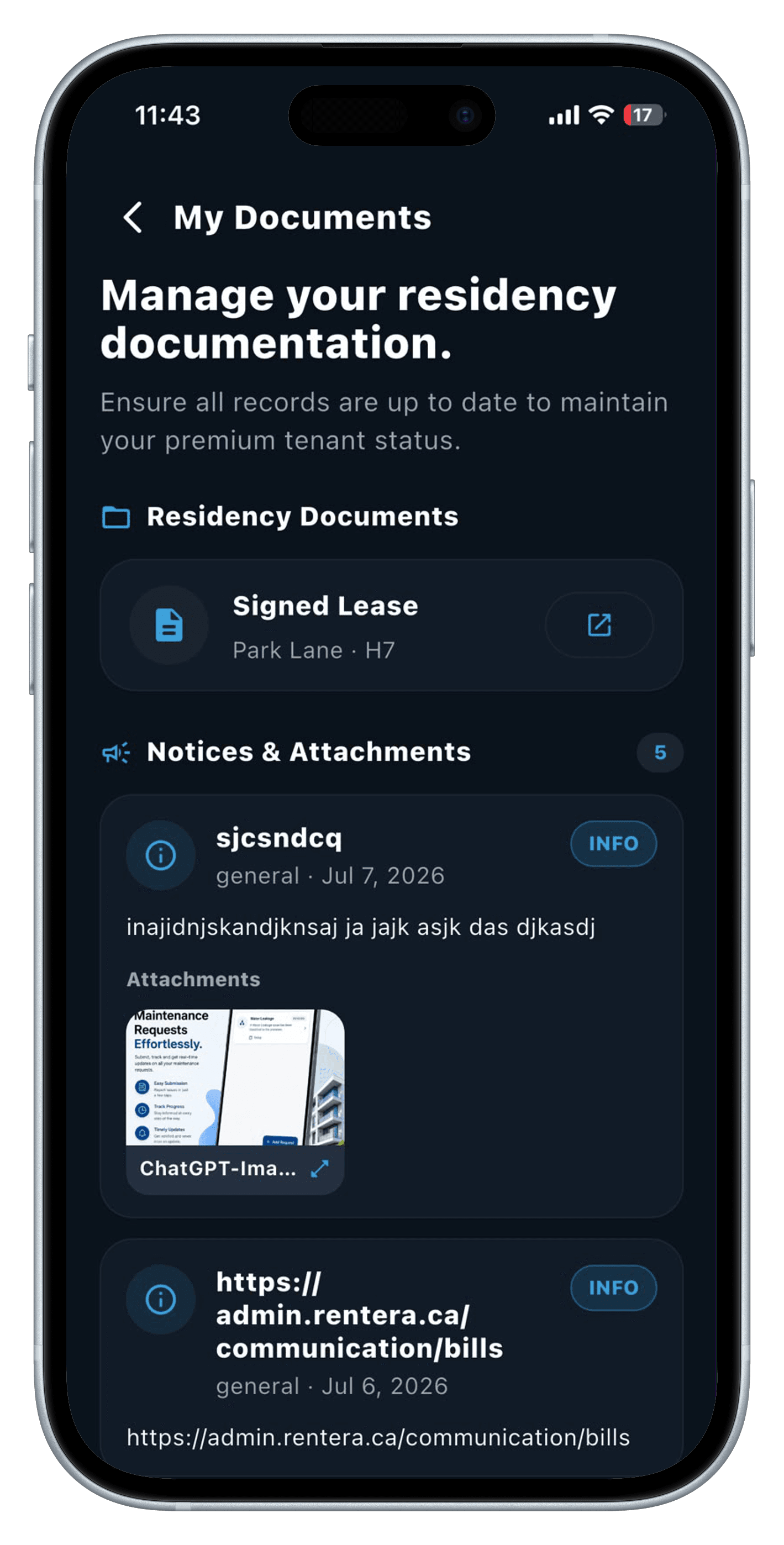
Signed lease and residency documents screen

Payments & bills

Rent, on autopilot

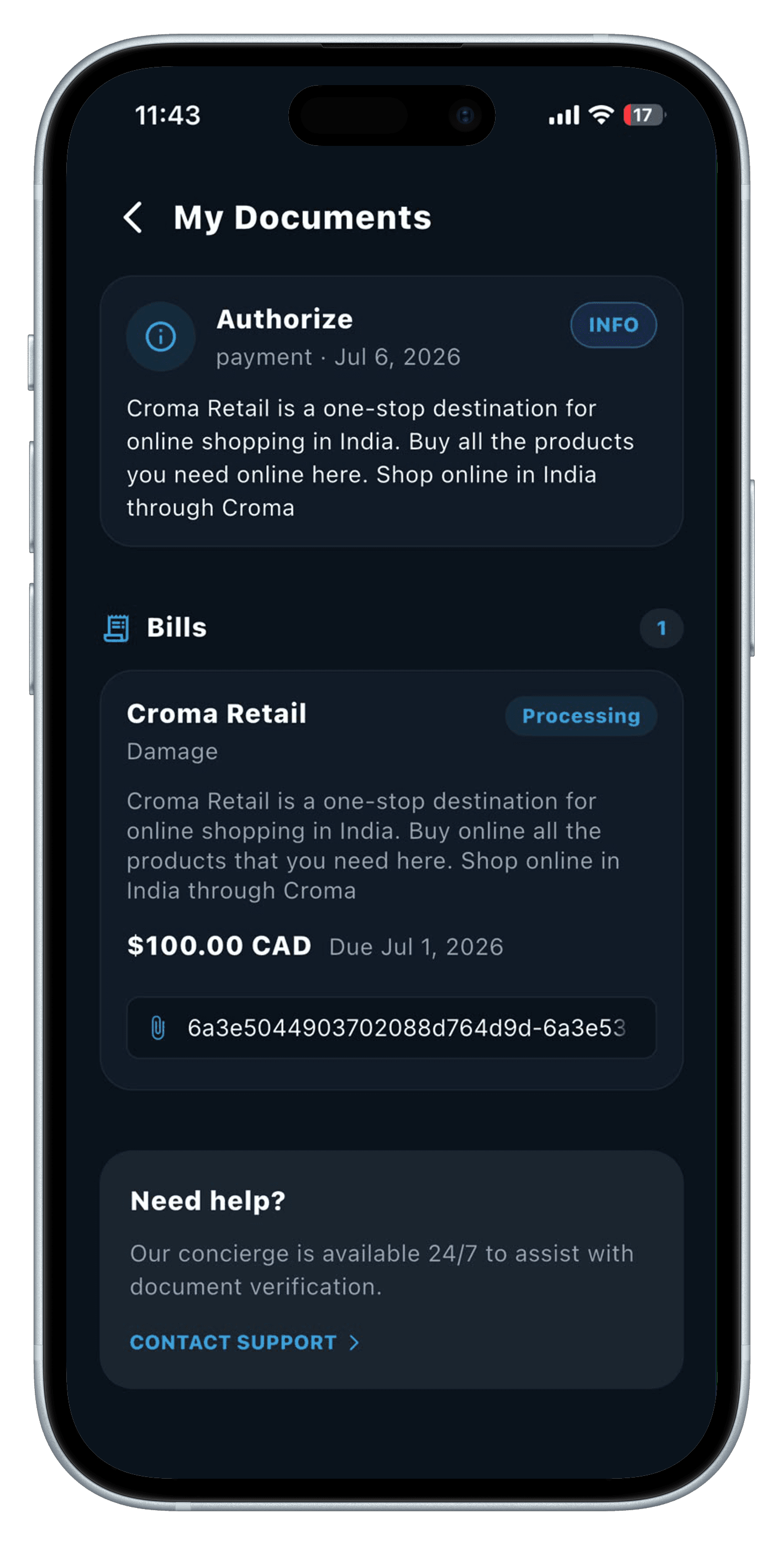
Set up automatic monthly rent via bank authorization, manage your payment methods, and pay one-off bills — damage, maintenance, late fees — right from the app.

  • Automatic rent

    Pre-authorized debit keeps rent on time, every month, without a second thought.

  • One-off bills

    Pay damage, maintenance and late fees with a saved method or in-app checkout.

  • Full history

    Every transaction, receipt and signed payment agreement, always on hand.

Bills and payment authorization screen in the RentEra Tenant app

Maintenance & messaging

Something broke? It's handled.

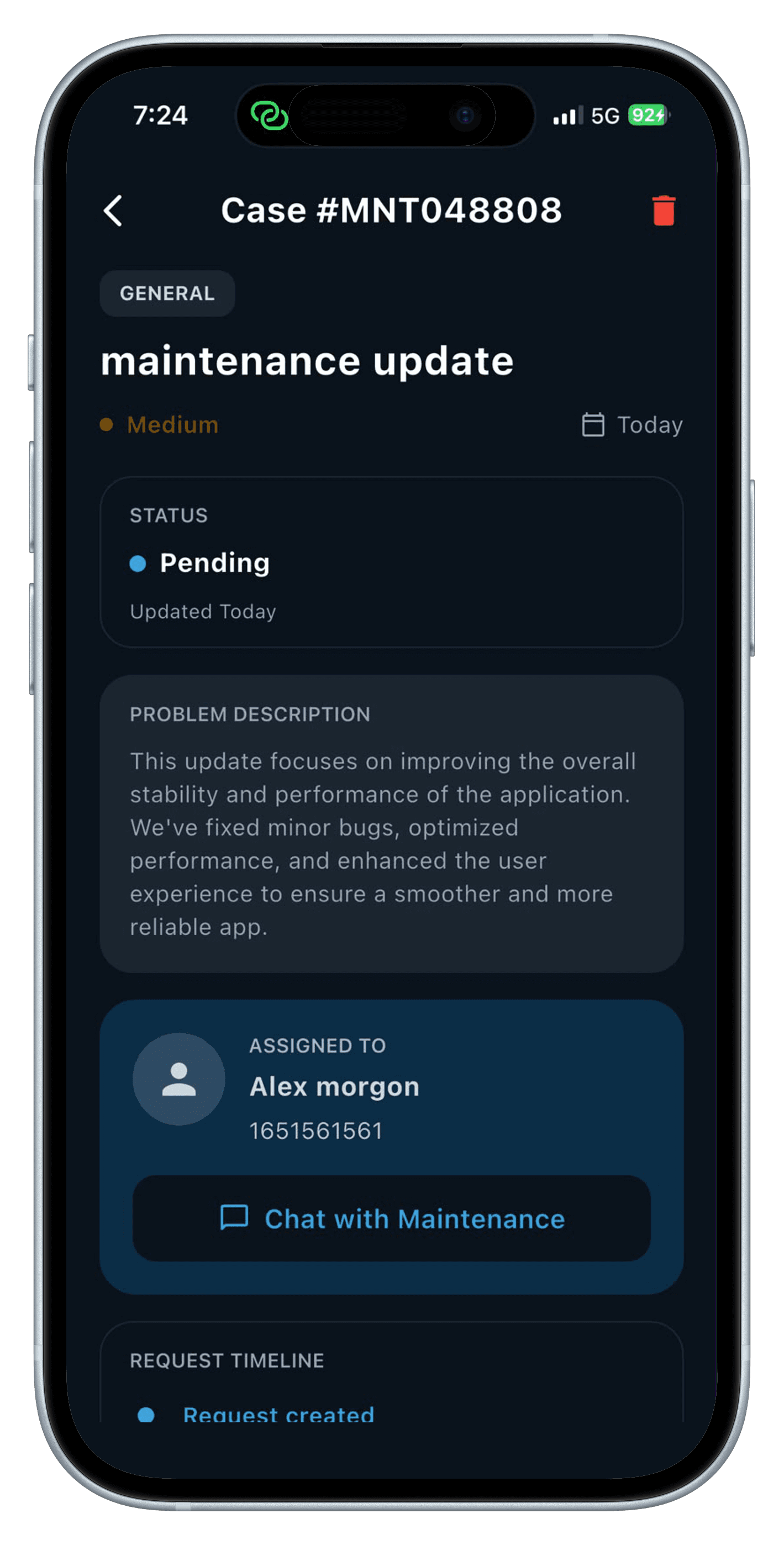
Log a maintenance request with category, urgency and photos, then track it from Pending through Completed — chatting with staff and your property manager the whole way.

  • Report in seconds

    Category, urgency, description and photos — a ticket is filed before the kettle boils.

  • Track every stage

    Follow status from Pending to In Progress to Completed, and confirm the work yourself.

  • Chat, built in

    Message staff on the ticket thread, or your property manager directly, in real time.
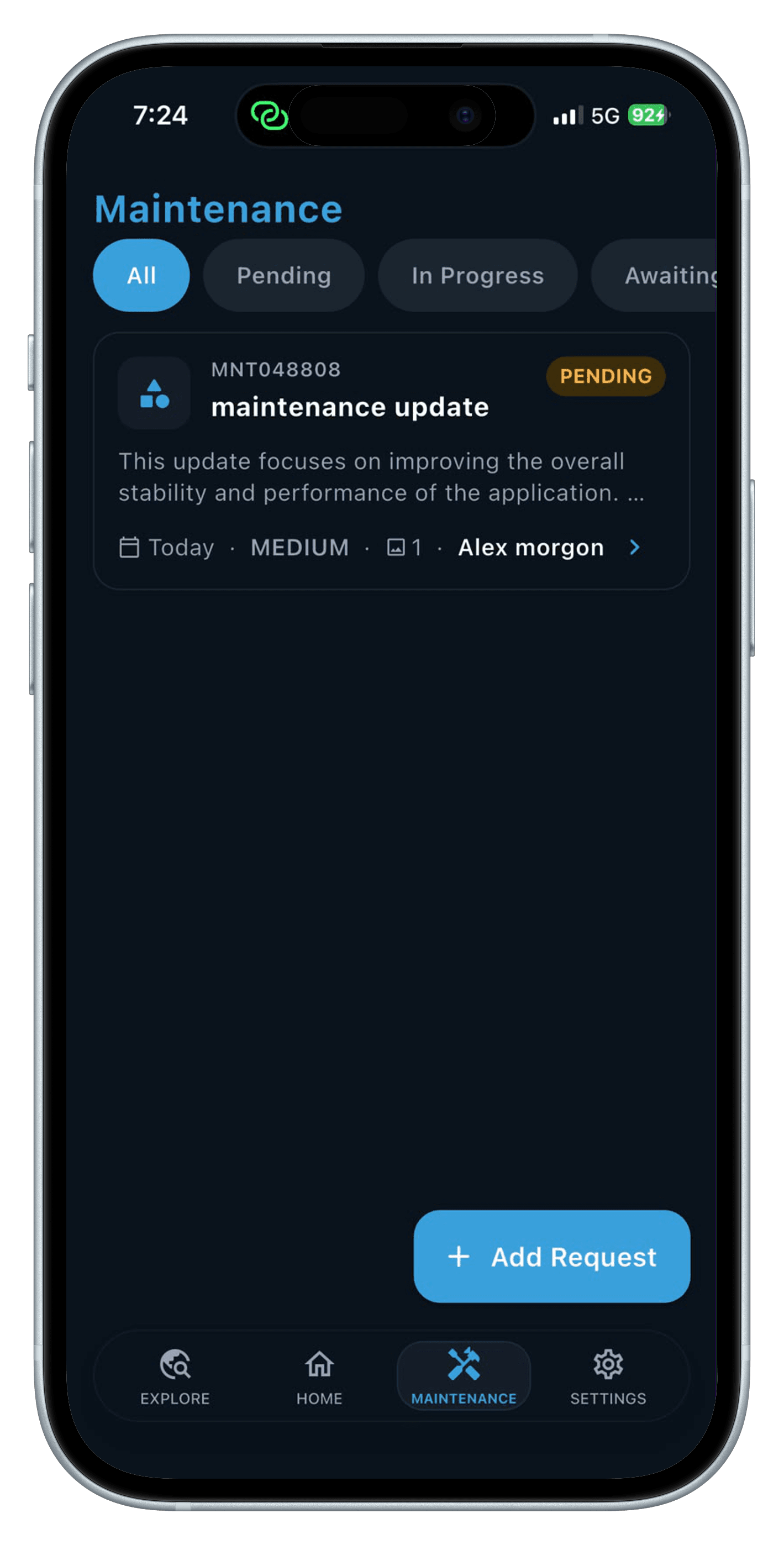
Maintenance requests list in the RentEra Tenant app
Maintenance case detail screen

Sign in, and settle in

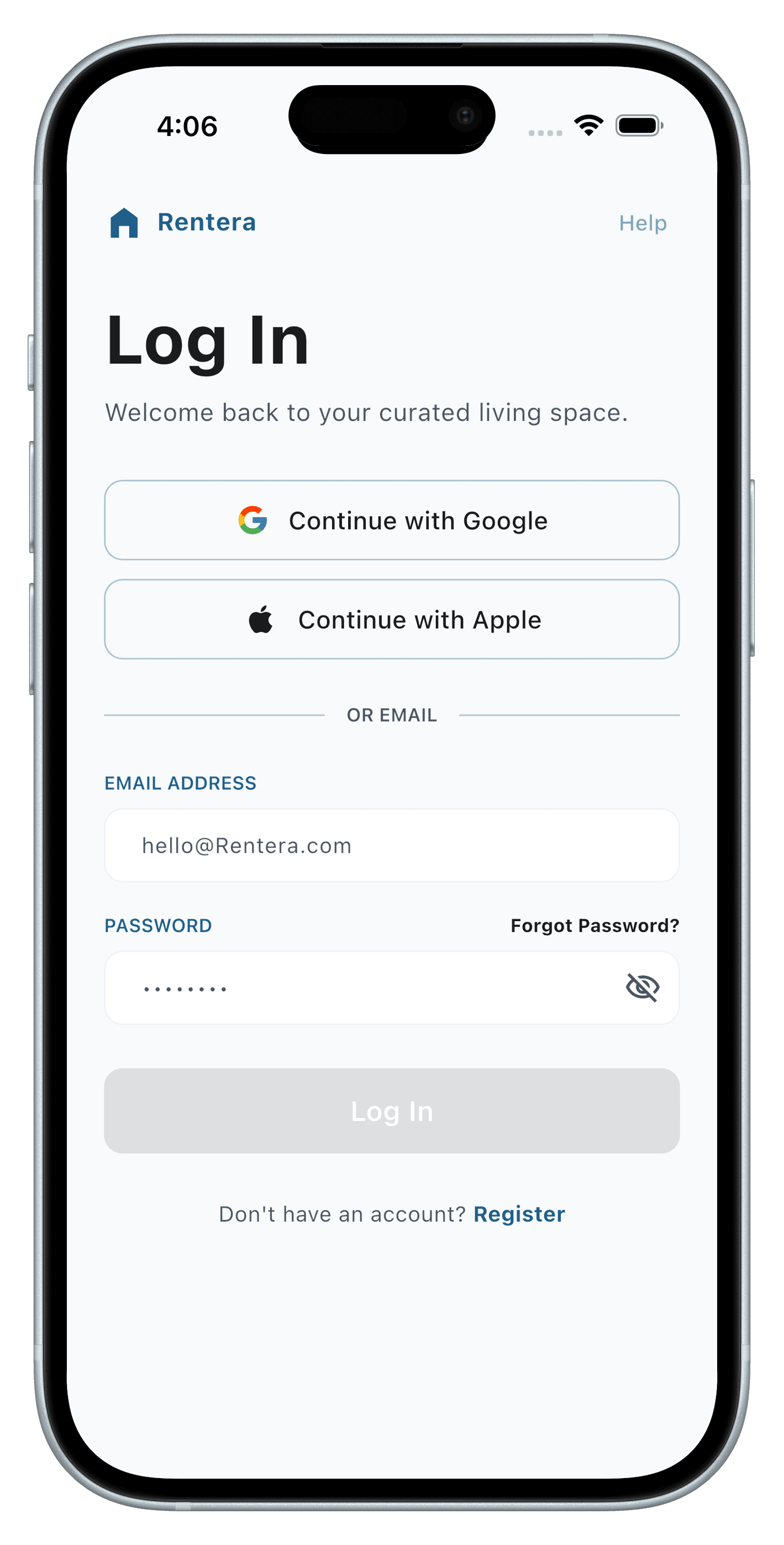
Email, Google or Apple sign-in, with OTP verification and a light or dark theme to match your mood. Get RentEra Tenant free on iOS and Android.

Log in screen of the RentEra Tenant app